AI Christmas Card Generator
Make a personal photo card from your own picture or a portrait generated here. The card editor is free and runs in your browser.
Choose your Christmas colors
Frame options
Planned AI offer: 1 free photo with sign-up, then 5 credits per generation. Not live yet.
Decorative preview only. AI scene generation is coming soon.
Choose a photo or try the example. Photos stay in this tab.
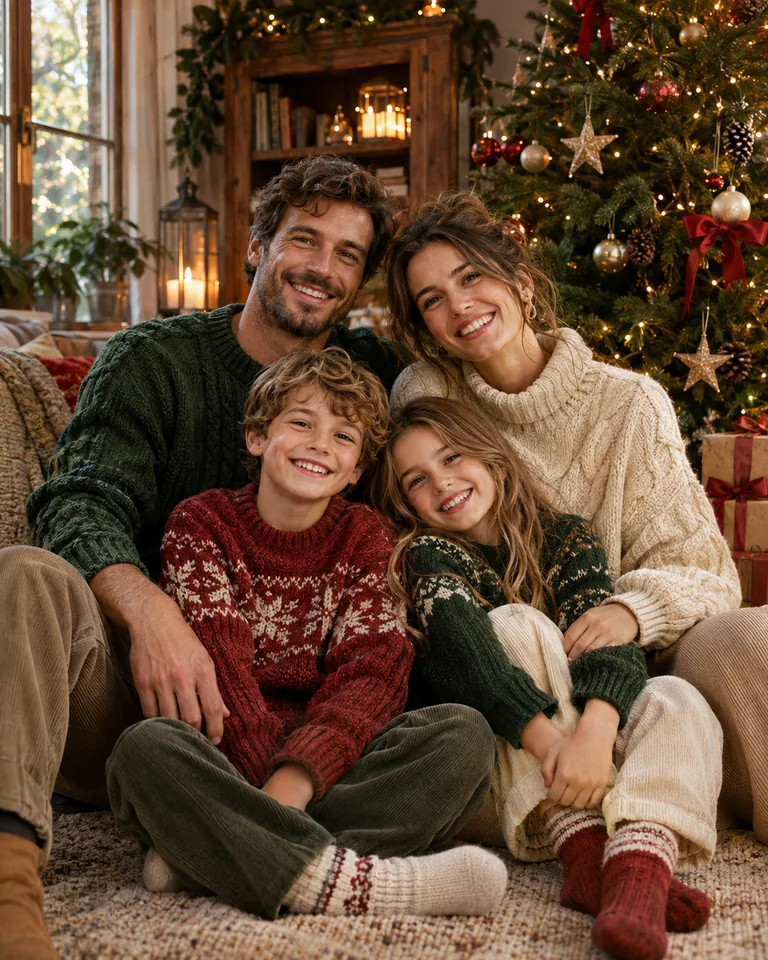
The example and style photos are AI-created inspiration, not generated results from this site. Your preview keeps your original photo.
Make a Christmas card with a photo you love
Choose a picture you love — your own photo, or a portrait you generated on the homepage — add a short personal greeting, and download a 1500 × 2100 PNG. The card editor runs in your browser. It arranges the picture inside a layout; the portrait itself comes from the generator or from your camera roll.
Three layouts for a different holiday mood
Evergreen pairs deep green with golden details. Christmas Post uses warm paper and festive red. Starry Night sets the photograph against midnight blue and winter stars. Each layout keeps the greeting separate from the photograph, so your wording is typeset rather than drawn by an image model.
Choose a photograph with room around the edges
Start with a JPG, PNG, or WebP up to 10 MB. Use a well-lit original rather than a screenshot. Keep full photo preserves the complete image inside the available space. Fill the frame crops the image to cover that space. Check the top of every head and your pet's ears when changing the fit.
Write a greeting that leaves room for the photograph
Short messages are easier to read on a printed card. Enter a greeting and signature, then create your card again to see your changes. The editor places the wording you provide and does not proofread names or punctuation. These suggestions can help you start:
Download and review before printing
The greeting card output is a 1500 × 2100 PNG, which has a 5:7 portrait ratio. At 300 pixels per inch, this corresponds to 5 × 7 inches before adding bleed. A print shop may request a different size, file format, color treatment, or trim margin. Ask your printer for its requirements and review the downloaded image before ordering.
The card editor is free and needs no account. If you need the portrait first, generate it on the homepage photo studio — the first photo is free, then 5 credits per standard photo with no subscription. Physical printing, postage, and any separate image service are outside this tool. You can also browse Christmas photo ideas before selecting a picture.
Questions before you start
How is the card maker different from the photo generator?
The generator on the homepage creates the portrait from a photo you upload. The card editor takes a finished picture — your own or one you generated here — and adds a typeset greeting in one of three layouts. Most people do both: generate the portrait first, then open the Card tab to put it on a card.
Can I make a Christmas card for free?
Yes. The card editor is free and needs no account. If you want a generated portrait to put in it, the first photo is free; later ones cost 5 credits each, and credits are a one-time purchase with no subscription.
What size is the downloaded Christmas card?
The exported PNG is 1500 by 2100 pixels, a 5:7 portrait ratio. At 300 pixels per inch, that corresponds to 5 by 7 inches before adding any bleed. Print services may request additional margins, different dimensions, or a different file format, so confirm their specifications before ordering.
Can I change the Christmas greeting?
Yes. Enter your own wording or choose Use on my card beside a suggested greeting on this page, then review it in the card preview. Short messages usually leave more room for your photograph. Check names, punctuation, and line breaks carefully; the card editor places the text you provide and does not proofread it.
Will the card maker change the faces in my photo?
The card editor itself does not redraw anything — it arranges your existing image inside a layout, so it never changes faces, clothes or backgrounds. Faces change only if you send a photo through the generator first: that keeps the face from your upload but can shift hands, ears or the edge of a hat, so review the generated portrait before you put it on a card.
Can I print the PNG at home or send it to a printer?
You can use the PNG with a home printing workflow or a print service that accepts its dimensions and format. Check the preview at full size, keep important text away from trim edges, and request a proof when possible. The export does not include printer-specific bleed, crop marks, or colour conversion.
Last updated