AI Christmas Photo Ideas
Forty Christmas looks grouped the way people search for them: family, couple, kids, pets, solo and cards. Every look below is a preset on this site — pick one, upload a photo, and the same generator that powers the homepage does the rest.
Last updated
Every look below is a preset on this site. Pick one, upload the photo you already have, and the result comes back in about a minute — no prompt to paste and no second tool. The first photo is free.
Family Christmas photos
A family Christmas photo works best when the setting gives everyone room to belong. Think of a relaxed sofa portrait beside a tree, or a winter walk with coats in a small, coordinated colour palette. The preset describes the number of people and their positions for you, so the scene keeps the group you already photographed. Keep faces away from busy ornaments and leave space around the group for a possible card crop. The example images are style references, not customer photos. If you already love your family photograph, you can also keep it untouched and add a Christmas frame or a card instead.
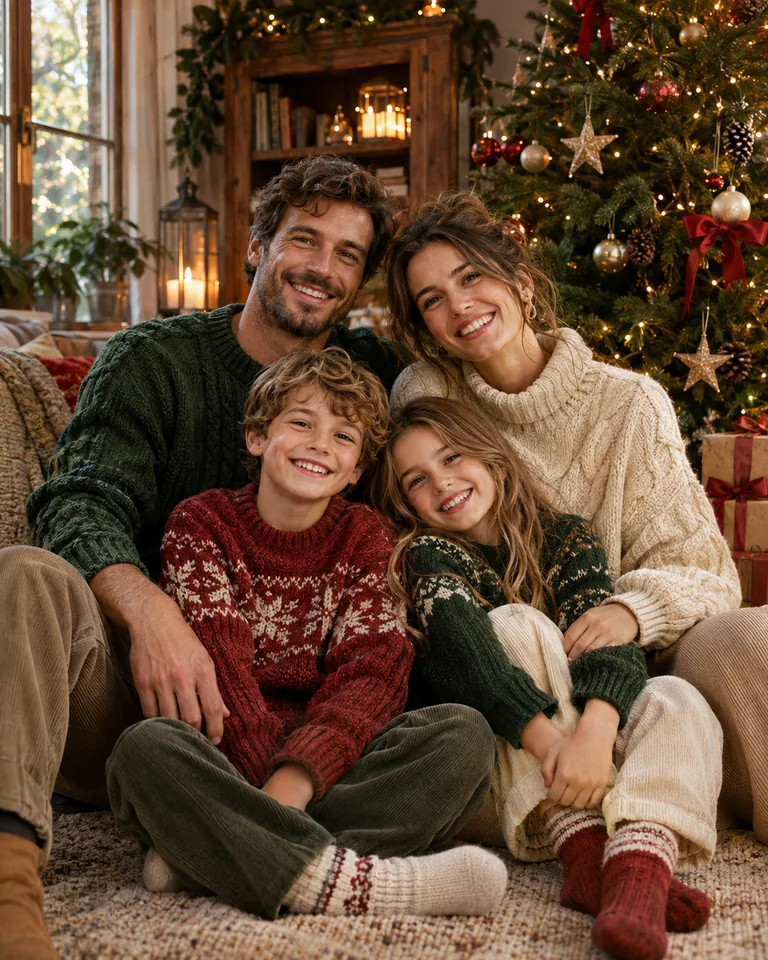
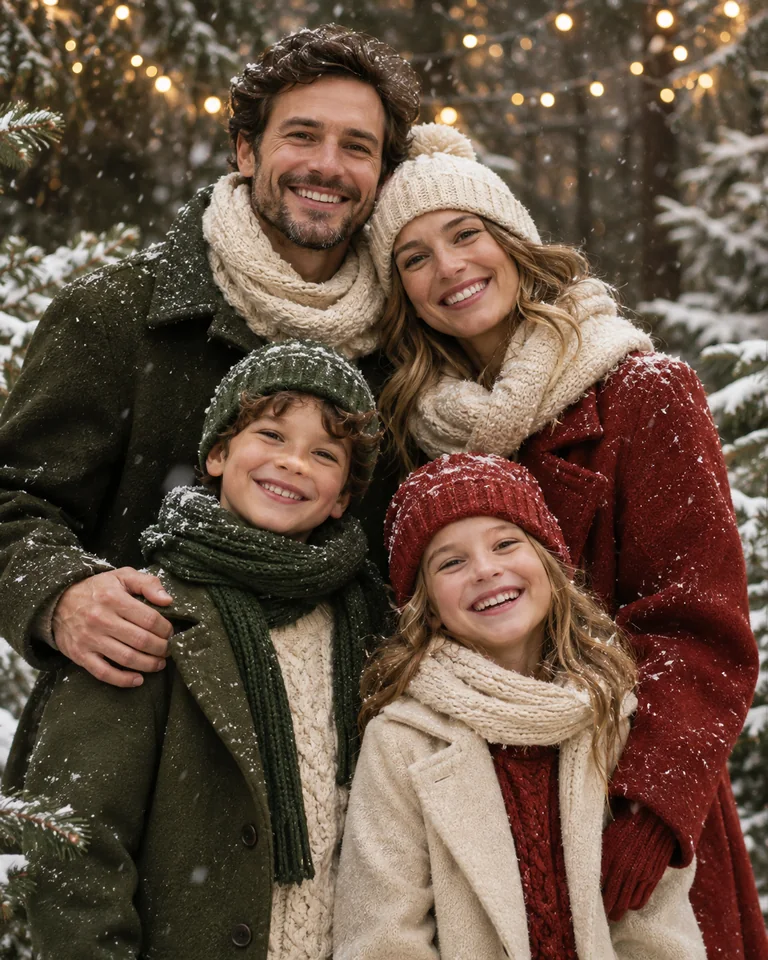
What the Classic preset asks for
A relaxed Christmas portrait beside a softly lit evergreen tree, keeping the same number of people as your upload, natural seated poses, coordinated cream and forest green clothing, warm window light, realistic skin texture, and generous space around the group without any text. Run it from the homepage with your own photo.
Couple Christmas photos
For a couple portrait, choose one small interaction that feels natural: standing shoulder to shoulder, sharing a blanket, or walking along a quiet winter path. A clear pose reads better than a scene full of props. Warm indoor lighting gives an intimate feeling, while pale snow and darker coats create a calmer outdoor composition. Keep in mind that small details — hands, ears, the edge of a hat — can still shift, so compare any result with the photo you uploaded. Leave a little clear background if the image will later sit beside a holiday greeting.
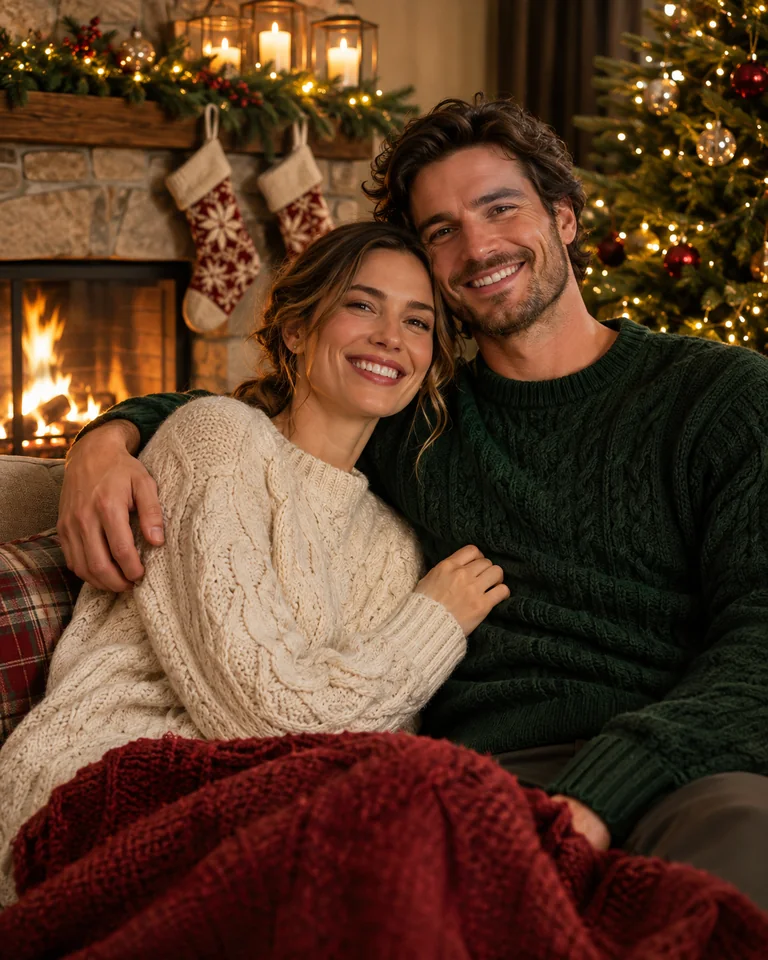
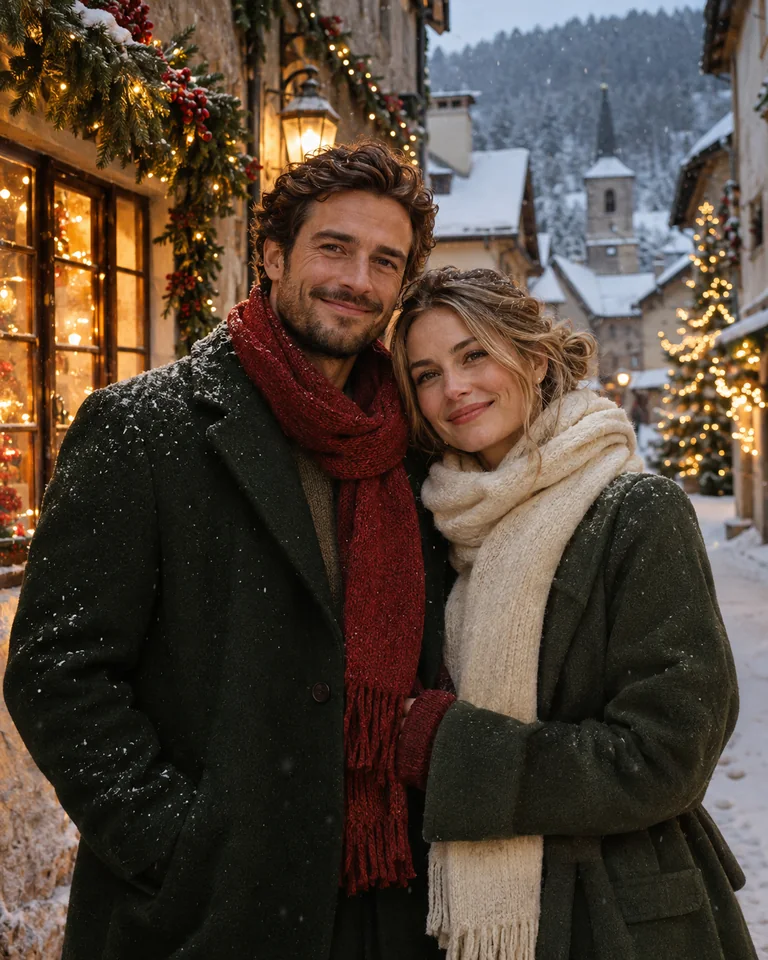
What the Couple preset asks for
A quiet Christmas portrait of two adults standing shoulder to shoulder beneath warm string lights, keeping the faces from your upload, deep red and oatmeal winter clothing, softly blurred evergreen branches, gentle evening light, and uncluttered space above their heads without lettering.
Pet Christmas photos
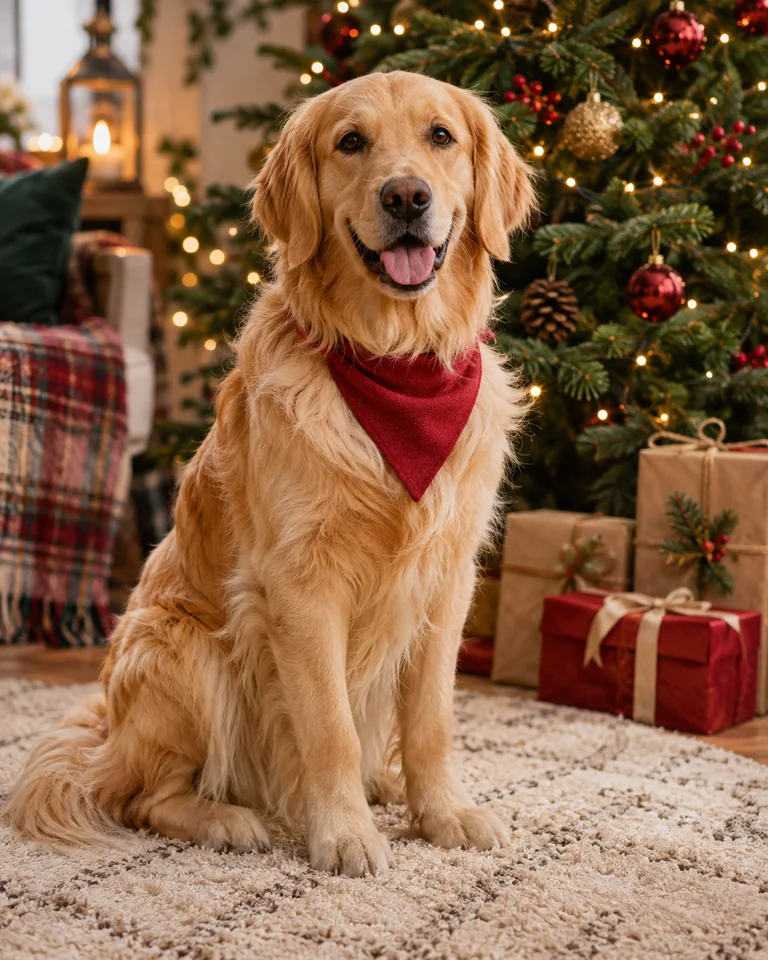
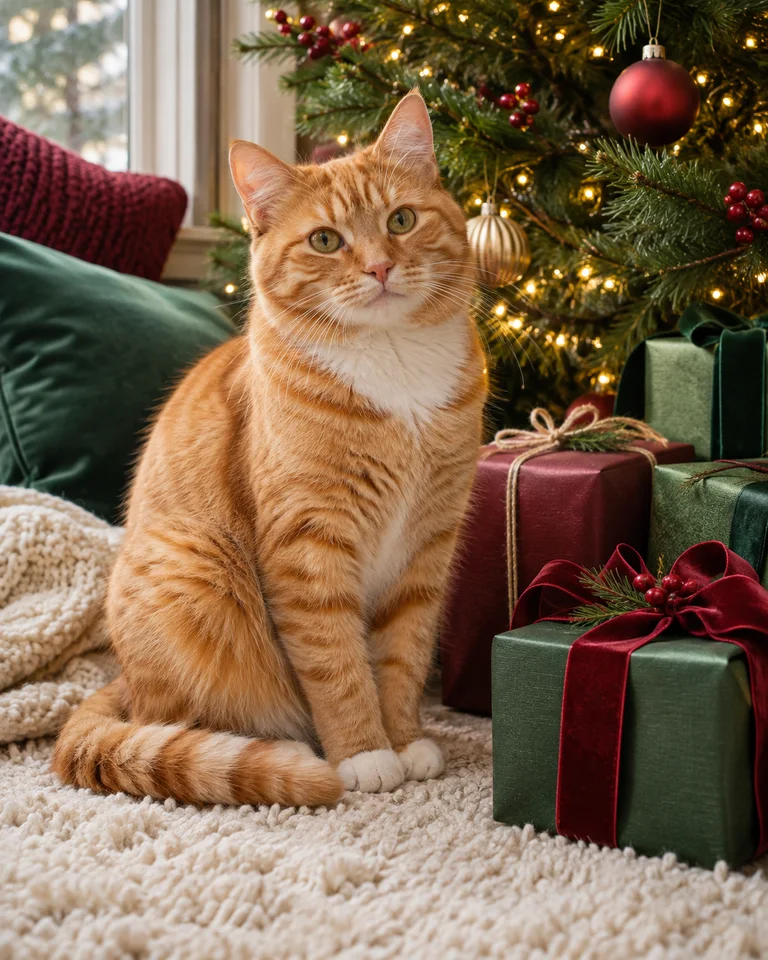
Let your pet's expression carry the picture. A dog beside wrapped presents or a cat watching a tree can feel festive without complicated clothing or an unnatural posture. Pick a photo where the face, ears and markings are clearly visible, and keep decorations in the background so the features stay easy to inspect. The two examples show a warm dog scene and a quieter cat scene. Two pets in one frame is hit and miss, so try the same photo twice before you give up on it.
What the Pet preset asks for
A Christmas pet portrait keeping the same coat markings, ear shape and relaxed posture as your upload, with a simple red bandana, a softly glowing tree in the background, a cream rug, natural fur detail, gentle eye-level lighting, and no text or extra limbs.
Santa and elf looks
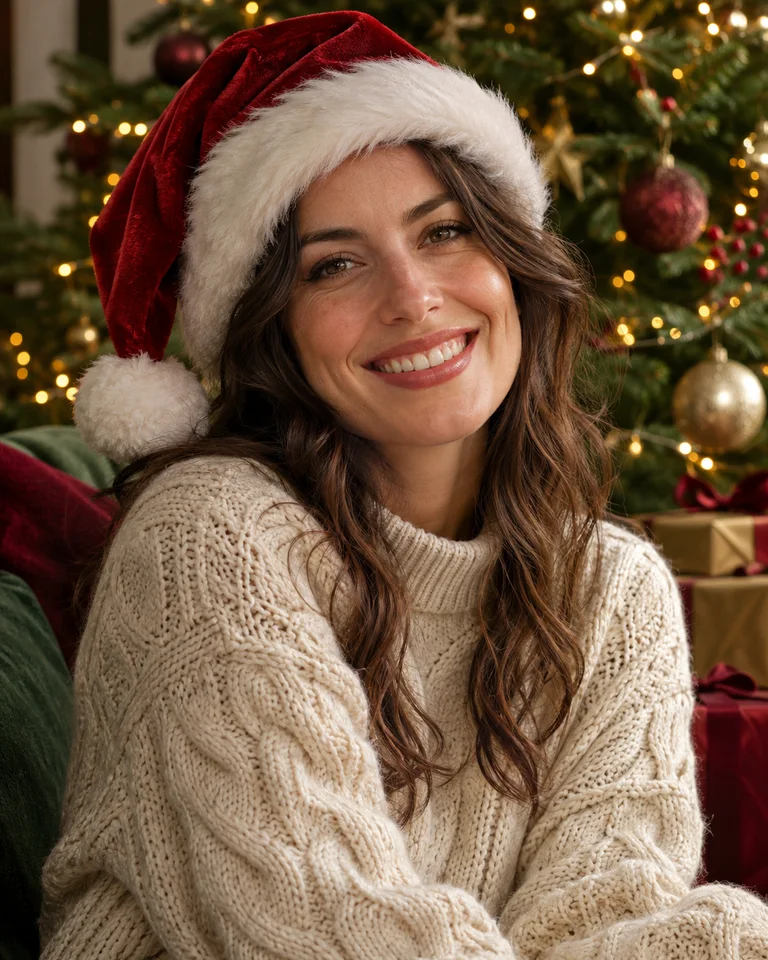
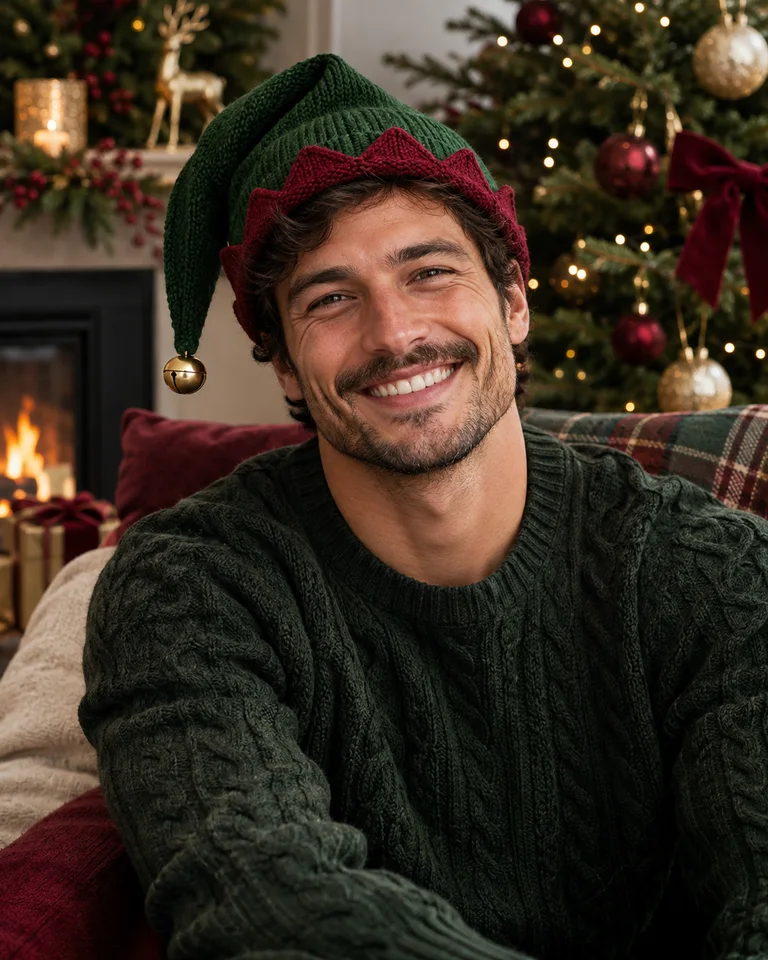
Santa and elf styling can be playful without filling every corner of the picture. Start with one recognisable detail, such as a red velvet hat or a green collar, and keep the face well lit. A portrait with Santa is a different composition from a portrait wearing a Santa outfit, so know which scene you want before you upload. The Santa hat preset runs on this site; the elf look comes from the same preset with a green palette. Review accessories, hands and facial details before you choose an image to share.
What the Santa hat preset asks for
A playful Christmas workshop portrait with a red velvet Santa hat, a forest green knit jumper, softly blurred wooden toys and evergreen garlands, warm side lighting, natural facial detail, a relaxed expression, and a simple chest-up composition without written labels.
Solo portraits
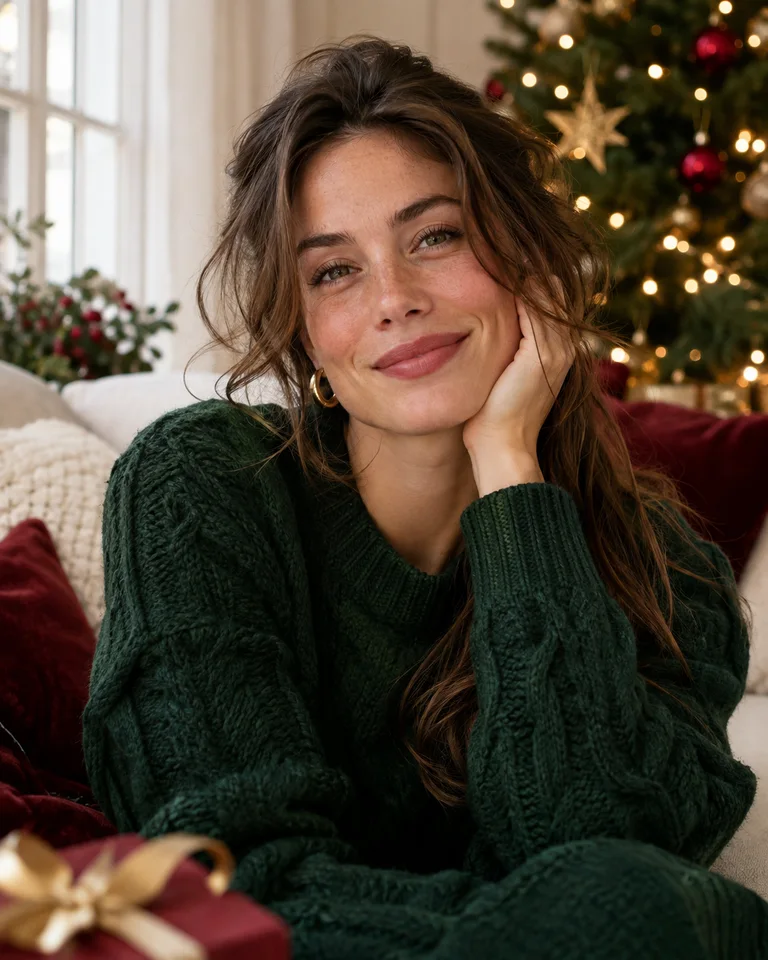
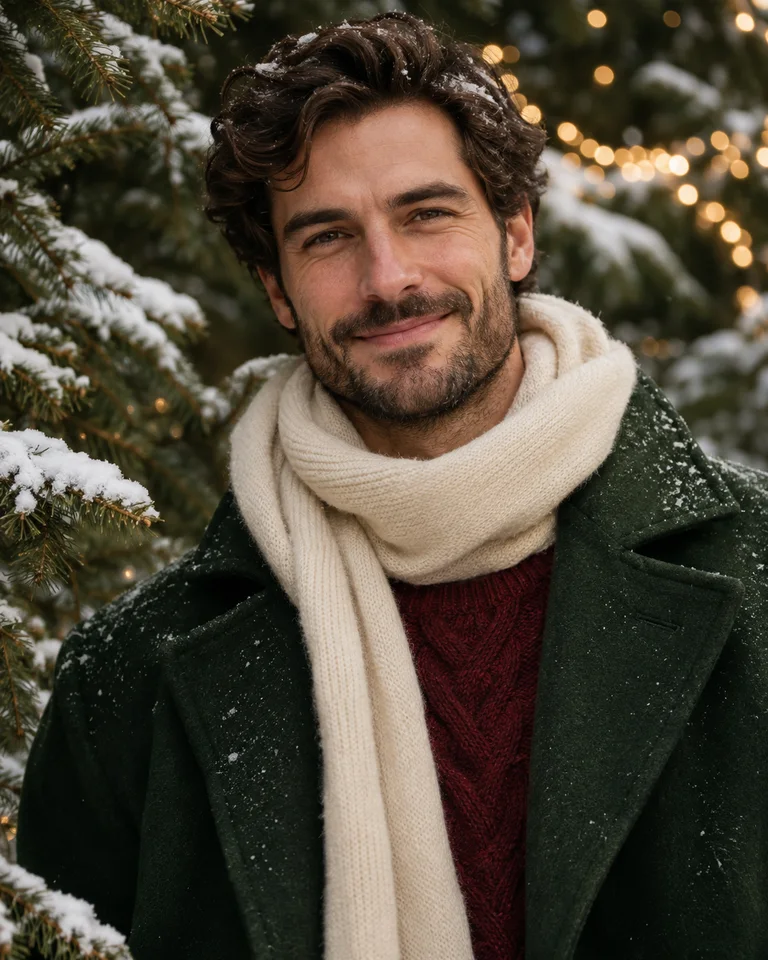
A solo portrait gives you space to make lighting the main idea. Try soft window light beside an evergreen branch, warm points of light behind a dark jumper, or an outdoor portrait with an understated snowy background. Keep the crop close to your source photo when likeness matters. The face comes from your upload, but body shape and small details can still shift, so compare the result with your original before printing. The two examples show a warm indoor and a cool outdoor direction. You can also keep your original portrait unchanged and use the card editor to add a seasonal greeting around it.
What the Cozy indoors preset asks for
An understated Christmas head-and-shoulders photograph keeping the face from your upload, a cream knit jumper, soft window light, a blurred evergreen tree and amber lights behind the subject, gentle shadows, and a clean vertical composition with no text.
Explore all 60 Christmas AI photo prompts or start with the generator — the six presets on the homepage are what these looks are built on. The first photo is free; after that a standard photo costs 5 credits, with no subscription.
Frequently asked questions
Are these examples generated by this website?
The gallery shows AI-created style references, not customer photos. The looks themselves do run here: pick one, upload your own photo, and the same generator that powers the homepage renders it in about a minute. The first photo is free and needs no payment.
Which Christmas photo idea works best for a family?
Start with the setting that suits your existing photo: a sofa and tree for a seated group, a snowy outdoor scene for standing portraits, or a simple warm backdrop for a close crop. Include everyone in the upload — the generator changes the scene, it does not add people.
Can I use these Christmas photo ideas for cats and dogs?
Yes, the pet looks cover both cats and dogs. Pick a photo where the markings, ears and posture are clearly visible, and keep decorations in the background so the face stays easy to inspect. Two pets in one photo is hit and miss, so try the same upload twice before you give up on it.
Will the result look exactly like my original photo?
The face comes from your upload, but small details can shift: hands, ears, the edge of a hat, the shape of a collar. Compare the result with your source image before you print or share it. A generation that fails or comes back broken returns its credits.
How do I turn a photo idea into a Christmas card?
Generate the portrait first, then open the Card tab on the homepage to add a greeting and pick one of three layouts. The greeting is typeset rather than generated, so a name cannot come out misspelled. Leave space around the subject so a portrait crop does not cut off faces or ears.